
How to Extract Slides from a Video Without Taking Screenshots
See how a 9-minute presentation video becomes a clean set of slides with fixed-interval capture, AI detection, timeline corrections, and PowerPoint export.
Practical guides for turning recorded presentations into PowerPoint, PDF, and images.
See how a 9-minute presentation video becomes a clean set of slides with fixed-interval capture, AI detection, timeline corrections, and PowerPoint export.
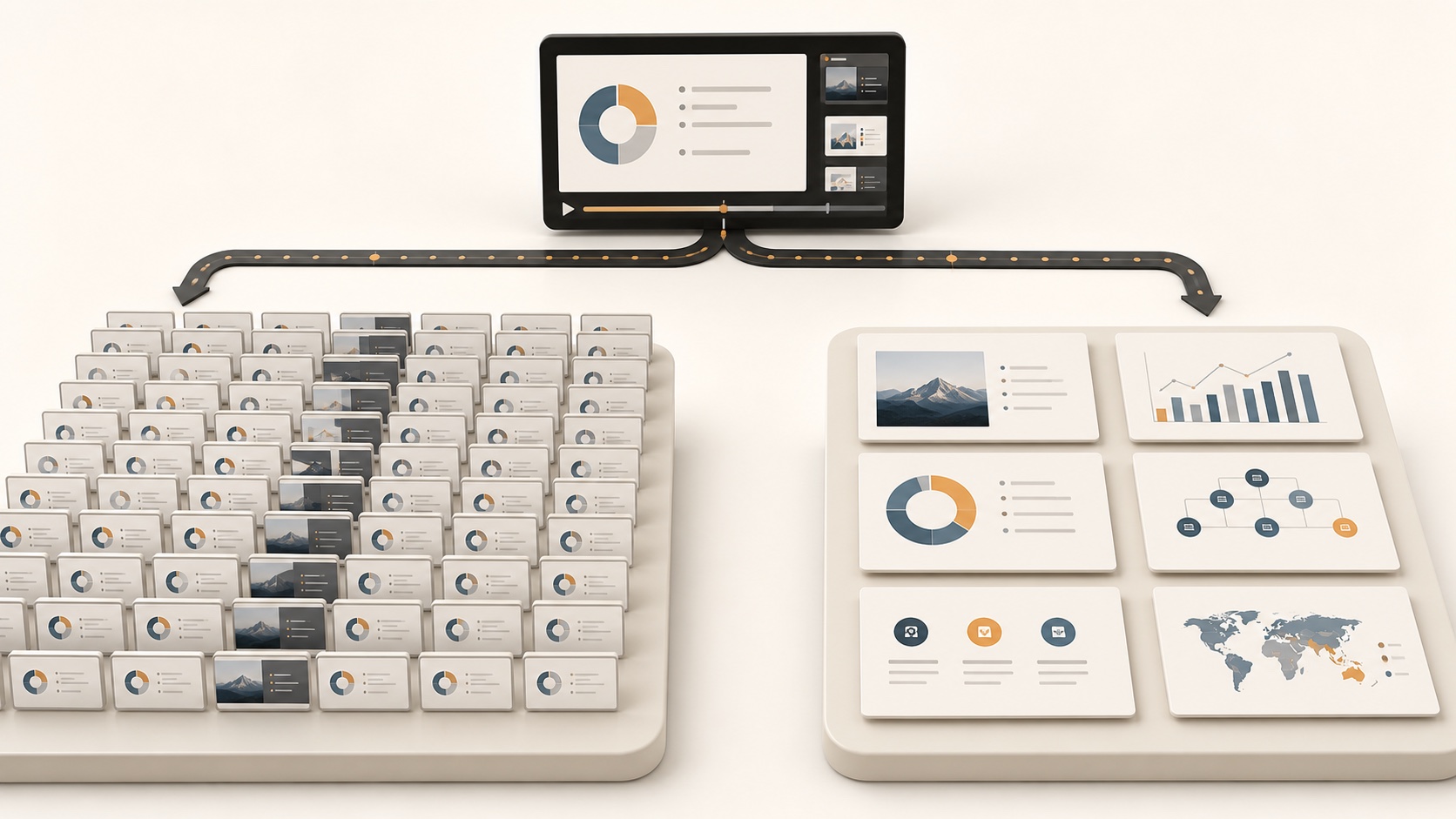
Compare fixed-interval capture and AI slide detection on the same 9:50 presentation video: 198 timeline frames versus seven distinct slides.

See how to turn a local video into a visual PDF by choosing a frame interval, reviewing 63 captured pages, and downloading only the frames you need.

Compare JPG and PNG for extracted video frames, including compression, file size, text clarity, editing, batch exports, and the best format for each type of content.

See how a 37-minute webinar becomes a focused PowerPoint deck using fixed-interval capture, AI detection, slide corrections, and PPTX export.

See how a 6-minute recorded lecture becomes a focused study deck using fixed-interval capture, AI detection, slide corrections, and PowerPoint export.

Turn a training video into a focused PowerPoint deck by detecting instructional visuals, reviewing key steps, and exporting selected pages as PPTX.

A practical example of turning a YouTube presentation into PowerPoint slides with fixed-interval capture, AI detection, slide review, and PPTX export.

A step-by-step MP4 to PowerPoint example using local frame capture, AI slide detection, slide editing, and editable PPTX export.
Extract useful frames, remove duplicates, and export the result as PowerPoint, PDF, or images.