
Extract slides from any presentation video
Upload a lecture, webinar, course, or screen recording, find the useful presentation frames, and export them as PDF or PowerPoint without taking screenshots by hand.
Drag & drop your video here or
From video timeline to organized slides
Choose how slides are detected, remove anything you do not need, and prepare a clean result without taking screenshots one by one.
Choose fixed interval or AI detection
Use a predictable capture interval or let AI identify meaningful presentation changes and reduce repeated frames.
- Fixed-interval extraction captures frames in your browser
- AI detection finds distinct slides and filters many duplicate states
- Works with lectures, webinars, training videos, and shared screens


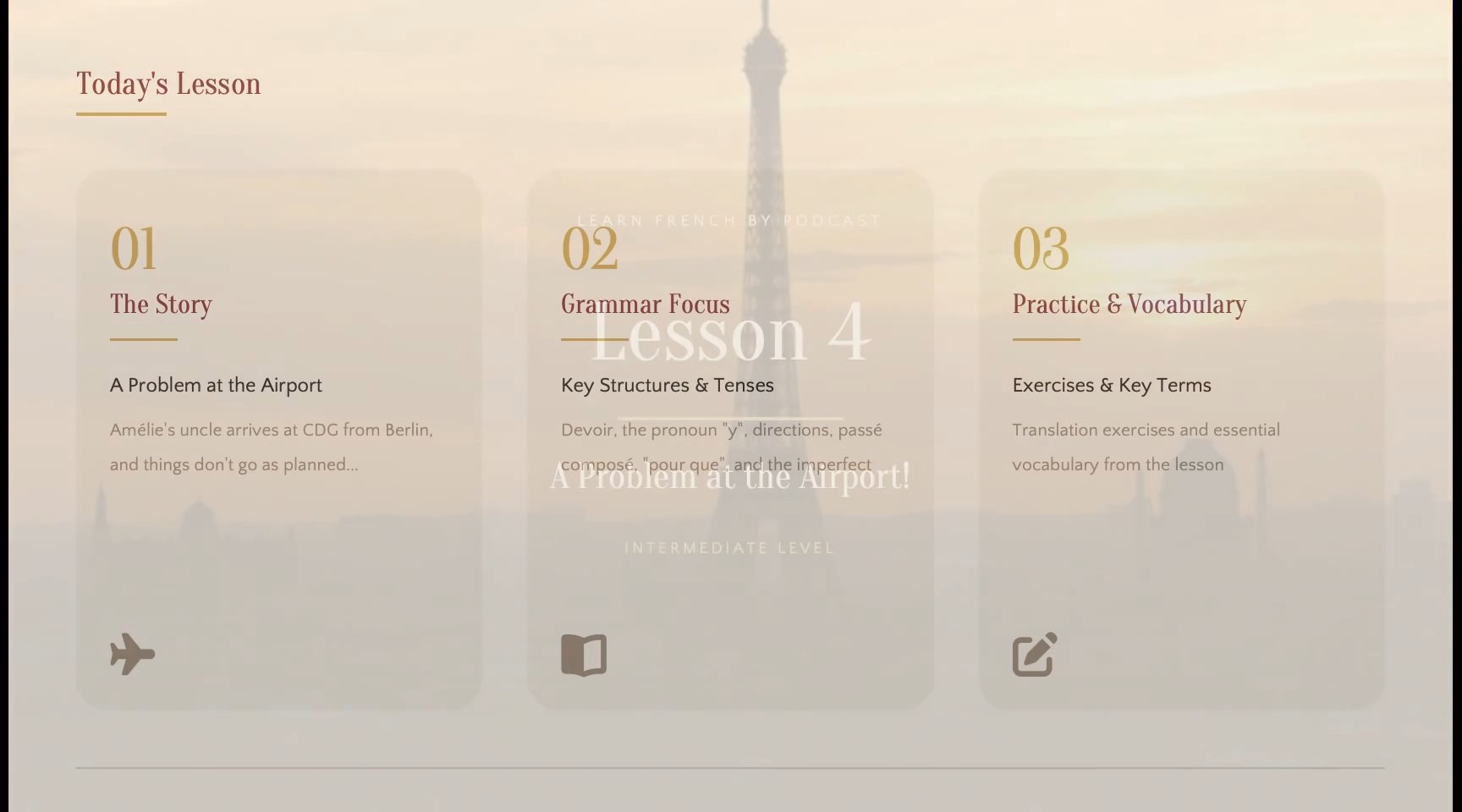
Review every slide before export
See the extracted pages in timeline order and keep only the frames that belong in your final document or deck.
- Select or remove unnecessary slides before exporting
- Identify speaker shots, incomplete transitions, and repeated pages
- Paid plans can insert, replace, reorder, and refine captured slides
Export a PDF or editable PowerPoint
Download a fixed visual reference or rebuild selected slide content into a PPTX you can continue editing.
- Create a PDF from the selected slide images
- Use OCR to rebuild recognized text and visual elements
- Open editable PPTX output in PowerPoint or Google Slides


How to extract slides from a video
Go from a presentation recording to a reviewed slide set in four straightforward steps.
Upload your video
Choose an MP4, MOV, WebM, or MKV file containing slides, diagrams, or useful screen content.
Choose slide detection
Capture frames at a fixed interval or use cloud AI detection to find meaningful slide changes.
Review the result
Check the extracted sequence, remove unwanted pages, and confirm that the useful slides are present.
Export your slides
Download the selected pages as a PDF or create an editable PowerPoint presentation.
Choose the output that fits your next step
Keep a visual copy for reading or turn recognized content into a presentation you can revise and reuse.
PDF for visual reference
Place selected video frames into one ordered document for studying, sharing, printing, or documentation. For a quick local workflow, use the Video to PDF converter.
Editable PPTX for reuse
Rebuild recognized text and visual structure in a PowerPoint file. If PPTX is your main goal, start with the Video to PPT converter.
Projects ready for review
Return to extracted slide projects from the Files dashboard and continue from the review stage before export.
Manual screenshots vs automatic slide extraction
Build an ordered slide set without repeatedly pausing the video, hiding player controls, and organizing screenshots by hand.
| Workflow | Manual Screenshots | Slide Extractor |
|---|---|---|
| Capture by time interval | ||
| AI slide detection | Available | |
| Duplicate cleanup | By hand | AI-assisted |
| Timeline ordering | Arrange by hand | Automatic |
| Review before export | Separate files | |
| PDF output | Manual assembly | |
| Editable PPTX output | Available |
Recover useful slides from recorded content
Turn long presentation videos into focused materials for learning, documentation, follow-up, and reuse.
Lectures and classes
Extract lecture slides, diagrams, and teaching visuals for revision, notes, and study materials.
Online courses
Collect lesson slides and examples from recorded modules without replaying every chapter.
Webinars and talks
Recover charts and presentation pages for attendee follow-up, recaps, and internal sharing.
Screen recordings
Capture important interface states and workflow steps from software demonstrations.
Training videos
Create reusable visual references from onboarding, compliance, and process recordings.
Meetings and briefings
Save the slides, dashboards, and shared-screen moments that would otherwise remain inside a recording.
Guides for extracting slides from video
Compare detection methods, review workflows, and export formats before processing a long recording.
Extract slides without screenshots
Follow a complete example using fixed intervals, AI detection, corrections, PDF, and PPTX export.
Fixed interval vs AI detection
Choose between predictable timeline coverage and a cleaner automatically filtered slide set.
How to convert MP4 to PowerPoint
See how an MP4 recording becomes a reviewed and editable PowerPoint deck.
A faster way to recover slides from video
Students, educators, and teams can move from a long recording to an organized visual reference.
I can review the actual lecture slides without pausing the recording and taking dozens of screenshots myself.

Leah Morgan
Graduate student
The review step makes it easy to remove repeated frames before I turn a training recording into a handout.

Marcus Lee
Training specialist
Important presentation pages no longer disappear inside old webinar and meeting recordings.

Aisha Patel
Content operations
Video slide extraction questions
What to know about detection methods, storage, supported videos, and slide exports.
- How do I extract slides from a video?
- Upload a supported presentation video, choose fixed-interval or AI detection, review the extracted pages, and export the selected slides as PDF or editable PPTX.
- Can I extract the original PowerPoint file from a video?
- A video normally contains rendered images of slides, not the original PPT file. The extractor can recover visible slide frames, and editable export can rebuild recognized content into a new PPTX, but it cannot restore hidden notes, animations, fonts, or objects that never appeared in the recording.
- Do I need an account?
- Yes. A free account is required to start a slide extraction project and access the result from the Files dashboard.
- Can I extract slides for free?
- Yes. The Free plan includes fixed-interval extraction stored on the current device for local files and YouTube videos. Cloud processing, cloud storage, and editable PowerPoint export require Starter or Pro.
- Does my video have to be uploaded?
- Not when you choose fixed-interval extraction with device storage. That workflow processes the file in your browser and keeps the project on the current device. Cloud storage and AI detection require cloud processing or upload.
- What is the difference between fixed interval and AI detection?
- Fixed interval captures a frame according to time and may include repeated slides. AI detection analyzes visual changes and removes many duplicate or incomplete presentation states automatically.
- Can I remove or correct extracted slides?
- You can select which pages to export. Paid plans also unlock the review tools used to insert, replace, reorder, and delete slides before export.
- Will the exported PowerPoint be editable?
- Editable PPTX export uses OCR and layout analysis to rebuild recognized text and visual elements. The result should be reviewed because accuracy and editability depend on video resolution, compression, font size, and slide complexity.
- Which video formats are supported?
- You can upload MP4, MOV, WebM, and MKV files. Maximum duration and upload size depend on your current plan.
- Can I extract slides from YouTube?
- Use the YouTube to Slides page for supported public video URLs. The direct YouTube workflow creates a cloud task.
- What if I only need JPG, PNG, or PDF files?
- The Free Tools section provides separate browser-based converters for one-time image and PDF extraction without creating a slide project.
Extract the slides hidden inside your video
Choose a presentation recording, find its useful visual pages, review the result, and export the slides you need.