
Turn screen recordings into editable slides
Upload a screen capture, software walkthrough, or browser recording to organize its important screens and steps into a reusable deck.
Drag & drop your video here or
Transform on-screen actions into clear visual steps
Find meaningful interface changes, remove repeated screens, and prepare a deck for documentation, training, or product communication.
Find important interface states
Scan the recording for page changes, dialogs, dashboards, settings, and completed workflow steps.
- Works with software demos, browser recordings, and app walkthroughs
- Keeps captured screens in the original workflow order
- Finds meaningful changes without saving every cursor movement


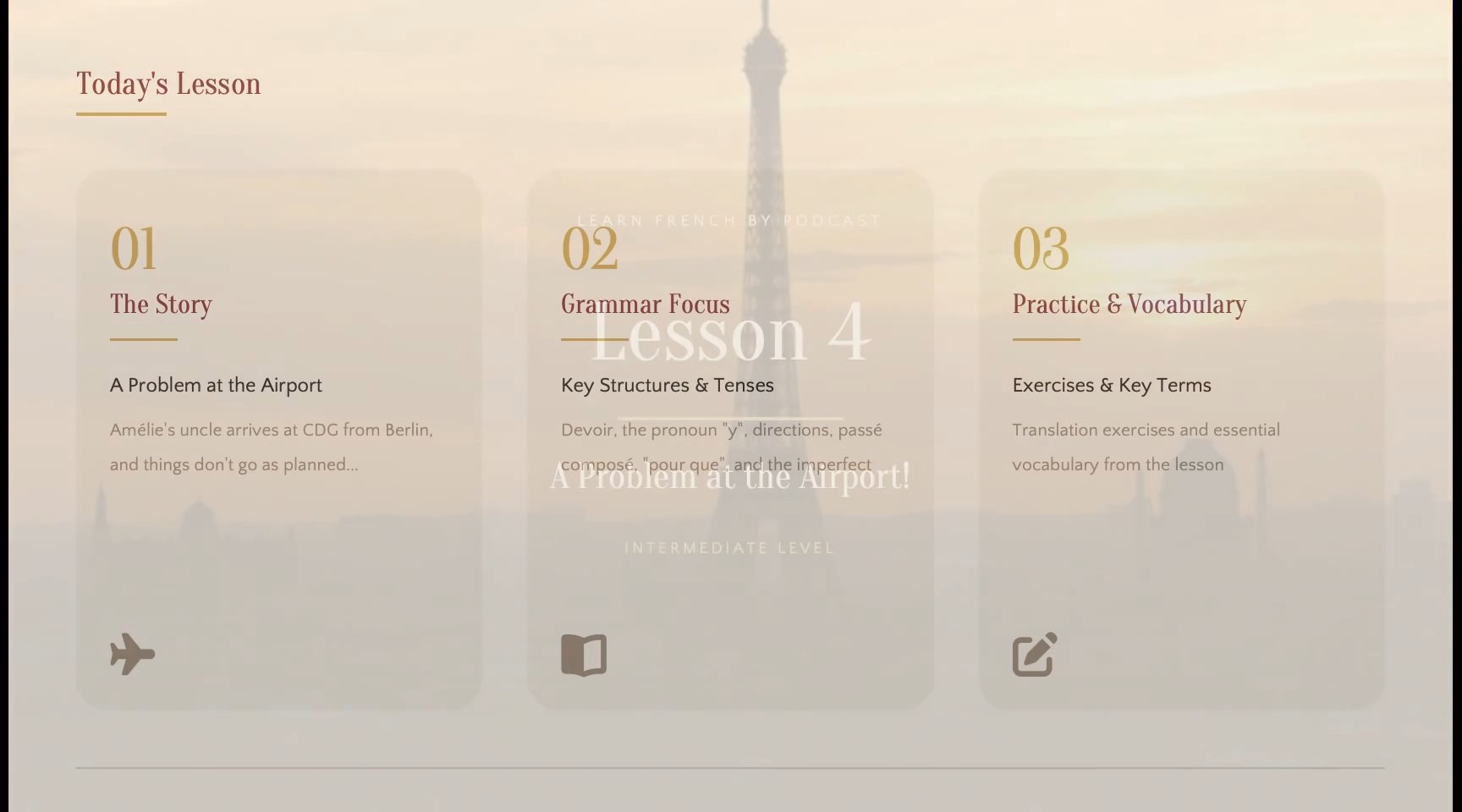
Remove repeated and transitional frames
Keep the complete visual moments that matter instead of filling the result with near-duplicates.
- Detects meaningful changes throughout screen recordings
- Filters repeated slides and incomplete transitions
- Lets you review and remove anything the automatic selection kept
Rebuild content as editable slides
Use OCR to recognize text and visual structure, then export a PPTX you can continue editing.
- Recognizes visible text, tables, and visual elements
- Preserves the source composition as closely as possible
- Creates a deck for PowerPoint or Google Slides
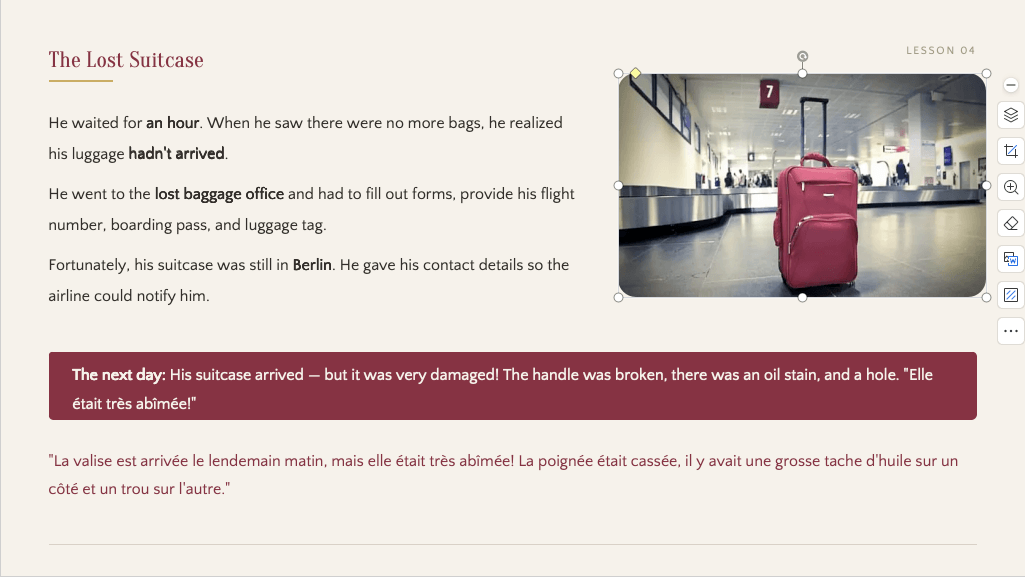
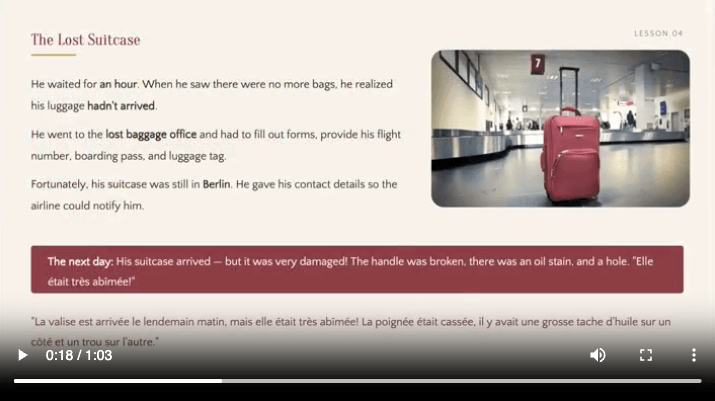
How to turn a screen recording into slides
Go from a recording to a reviewed, editable deck in four straightforward steps.
Add your recording
Upload a local file or paste a supported YouTube URL.
Detect visual changes
Scan the timeline for complete slides and presentation moments.
Clean and rebuild
Remove duplicates and use OCR to prepare slide content.
Review and export
Check the selected slides and download the finished PPTX deck.
From screen recording to visual workflow
Keep meaningful interface states in their original sequence, remove repeated cursor activity, and export the selected screens as PowerPoint.
Visible content from the screen recording
The result captures visible UI states and workflow steps. It does not infer undocumented actions or automatically write complete product documentation.
A reviewed sequence
Preview the detected moments from the screen recording, remove repeated or irrelevant captures, and keep the useful pages in their original order.
Visual or editable PPTX output
Choose a clean visual deck or rebuild recognized text and visual elements for editing. OCR accuracy depends on source quality and slide complexity. For the general workflow, use Video to PPT.
Manual screenshots vs Screen recording to slides
Skip the repetitive work of pausing, capturing, naming, and arranging every presentation image yourself.
| Workflow | Manual capture | Screen recording to slides |
|---|---|---|
| Timeline review | Frame by frame | Automatic scan |
| Slide change detection | ||
| Duplicate removal | ||
| Transition cleanup | ||
| OCR recognition | ||
| Editable PPTX | Build by hand | Included |
| Original content order | Arrange by hand |
Reuse screen recordings across your workflow
Prepare visual materials for documentation, onboarding, sales, support, quality assurance, and product updates.
Software tutorials
Create an ordered visual guide from a recorded application walkthrough.
Product documentation
Collect interface states for help articles, release notes, and setup guides.
Sales demonstrations
Reuse the strongest product screens in decks tailored to prospects.
Customer support
Turn troubleshooting recordings into visual steps customers can follow.
Design reviews
Save key UI states and flows from recorded prototype discussions.
QA evidence
Capture important states from bug reproductions and testing sessions.
Guides for screen recordings
Learn how to choose a detection method, review captured content, and prepare a useful export.
JPG vs PNG for captured video frames
Choose the right image format when screen clarity, text, and interface detail matter.
Extract slides without screenshots
Replace repetitive pause-and-capture work with a reviewable extraction workflow.
Fixed interval vs AI detection
Compare regular timeline captures with presentation-aware slide detection.
Move product knowledge beyond the playback timeline
Product teams can reuse the best parts of a screen recording without rebuilding every visual manually.
Recorded feature walkthroughs become a deck I can quickly reuse in reviews and launch planning.

Ethan Clark
Product manager
The captured interface states save time when I start a new help article or setup guide.

Isabella Rossi
Technical writer
I can turn a long demo into focused customer slides without taking screenshots one by one.

Marcus Johnson
Solutions consultant
Screen recording to slides frequently asked questions
Common questions about extracting presentation content from a screen recording.
- How do I turn a screen recording into slides?
- Upload the recording, review the detected interface changes, remove unwanted captures, and export the final PPTX.
- Does it capture every mouse movement?
- No. It focuses on meaningful visual changes so the result is not filled with nearly identical screens.
- Can I use the slides for product documentation?
- Yes. Exported screens can support tutorials and help content, although final documentation may require additional editing.
- Does it capture every frame?
- No. It focuses on meaningful visual changes and removes repeated content so the final deck stays concise.
- Can I remove slides I do not need?
- Yes. Review the detected slides before export and remove irrelevant, repeated, or low-quality captures.
- Can I edit the exported slides?
- Choose editable export to rebuild recognized text and visual elements. You can revise the PPTX in PowerPoint or Google Slides, but accuracy and editability depend on the recording quality and content complexity.
- Does it create new slides from spoken audio?
- No. It extracts slides, screens, diagrams, and other visual content already shown in the recording. It does not turn narration or conversation into a newly written presentation.
- Which file formats are supported?
- You can upload MP4, MOV, WebM, and MKV files, or start from a supported, accessible YouTube URL.
- How long does processing take?
- Processing time depends on the recording length, resolution, file size, and selected detection method.
- Do I need to install software?
- No. Upload, detection, review, and export all happen through your browser.
Turn screen recordings into editable slides
Add your screen recording and create a clean, reusable slide deck in minutes.