
Turn course videos into structured slide decks
Upload an online lesson or paste a supported YouTube link to collect its slides, examples, diagrams, and instructional screens.
Drag & drop your video here or
Transform lesson recordings into reusable materials
Capture the visual structure of a lesson, remove repeated moments, and prepare slides for study or course production.
Capture each lesson's key visuals
Find slides, diagrams, examples, and demonstration screens throughout recorded course content.
- Works with tutorials, training modules, and online course lessons
- Preserves the instructional order of the original recording
- Keeps useful examples alongside formal presentation slides


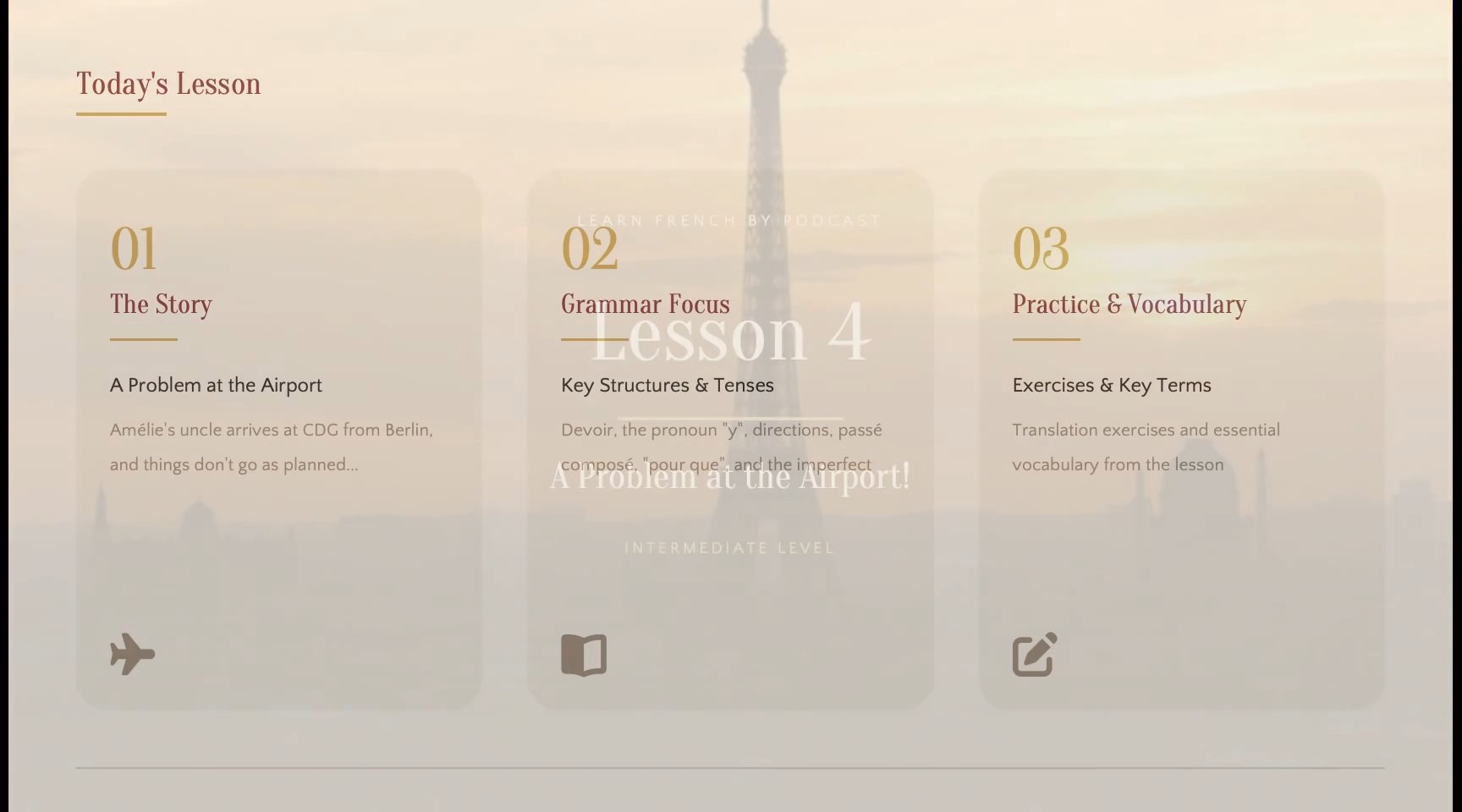
Remove repeated and transitional frames
Keep the complete visual moments that matter instead of filling the result with near-duplicates.
- Detects meaningful changes throughout course videos
- Filters repeated slides and incomplete transitions
- Lets you review and remove anything the automatic selection kept
Rebuild content as editable slides
Use OCR to recognize text and visual structure, then export a PPTX you can continue editing.
- Recognizes visible text, tables, and visual elements
- Preserves the source composition as closely as possible
- Creates a deck for PowerPoint or Google Slides

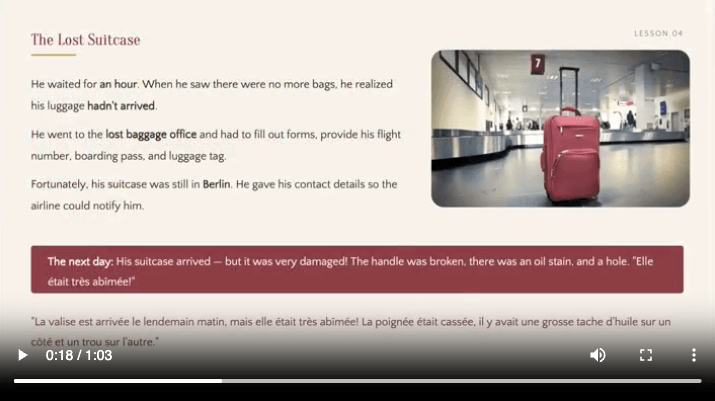
How to turn a course video into slides
Go from a recording to a reviewed, editable deck in four straightforward steps.
Add your recording
Upload a local file or paste a supported YouTube URL.
Detect visual changes
Scan the timeline for complete slides and presentation moments.
Clean and rebuild
Remove duplicates and use OCR to prepare slide content.
Review and export
Check the selected slides and download the finished PPTX deck.
From course lesson to structured slide deck
Collect the lesson visuals already shown on screen, remove repeated moments, and export an ordered resource for study or course production.
Visible content from the course video
Slides, worked examples, diagrams, and demonstration screens stay in lesson order. Spoken-only teaching is not converted into newly designed slides.
A reviewed sequence
Preview the detected moments from the course video, remove repeated or irrelevant captures, and keep the useful pages in their original order.
Visual or editable PPTX output
Choose a clean visual deck or rebuild recognized text and visual elements for editing. OCR accuracy depends on source quality and slide complexity. For the general workflow, use Video to PPT.
Manual screenshots vs Course video to slides
Skip the repetitive work of pausing, capturing, naming, and arranging every presentation image yourself.
| Workflow | Manual capture | Course video to slides |
|---|---|---|
| Timeline review | Frame by frame | Automatic scan |
| Slide change detection | ||
| Duplicate removal | ||
| Transition cleanup | ||
| OCR recognition | ||
| Editable PPTX | Build by hand | Included |
| Original content order | Arrange by hand |
Create resources from recorded lessons
Support learners, instructors, course teams, and training programs with concise visual materials.
Learner study guides
Turn lesson visuals into a deck students can annotate and revisit.
Course updates
Recover material from an older recording before revising the next course edition.
Software lessons
Capture important interface states and workflow steps from tutorial modules.
Employee training
Create visual references that reinforce recorded onboarding and process lessons.
Lesson handouts
Prepare downloadable materials that complement the original course recording.
Course libraries
Keep the core visual material from multiple modules organized and searchable.
Guides for course videos
Learn how to choose a detection method, review captured content, and prepare a useful export.
Turn a lecture video into study slides
Apply a practical detection, review, and export workflow to recorded lessons.
Extract slides without screenshots
Replace repetitive pause-and-capture work with a reviewable extraction workflow.
Fixed interval vs AI detection
Compare regular timeline captures with presentation-aware slide detection.
Make course content easier to learn from
Course creators and learners can turn recorded lessons into focused visual resources.
I use the extracted material as a checklist when refreshing an older course module.

Emma Lewis
Instructional designer
The slide deck helps me review examples without replaying every section of the lesson.

Leo Garcia
Online learner
Recorded training becomes a practical reference employees can scan after completing the course.

Hannah Chen
Training manager
Course video to slides frequently asked questions
Common questions about extracting presentation content from a course video.
- Can I turn an online course video into slides?
- Yes. Add a supported recording, review the detected lesson visuals, and export the selected material as a PPTX.
- Does it create a new course presentation from narration?
- No. It extracts visual content already shown in the lesson rather than generating unrelated slides from the audio.
- Can I combine slides from several course modules?
- Process each recording separately, then combine or rearrange the exported PPTX files in PowerPoint or Google Slides.
- Does it capture every frame?
- No. It focuses on meaningful visual changes and removes repeated content so the final deck stays concise.
- Can I remove slides I do not need?
- Yes. Review the detected slides before export and remove irrelevant, repeated, or low-quality captures.
- Can I edit the exported slides?
- Choose editable export to rebuild recognized text and visual elements. You can revise the PPTX in PowerPoint or Google Slides, but accuracy and editability depend on the recording quality and content complexity.
- Which file formats are supported?
- You can upload MP4, MOV, WebM, and MKV files, or start from a supported, accessible YouTube URL.
- How long does processing take?
- Processing time depends on the recording length, resolution, file size, and selected detection method.
- Do I need to install software?
- No. Upload, detection, review, and export all happen through your browser.
Turn course videos into structured slide decks
Add your course video and create a clean, reusable slide deck in minutes.